Sharpness
Zoom in on the main subject. Low light and a moving hand often blur one shot in a series.
Guide
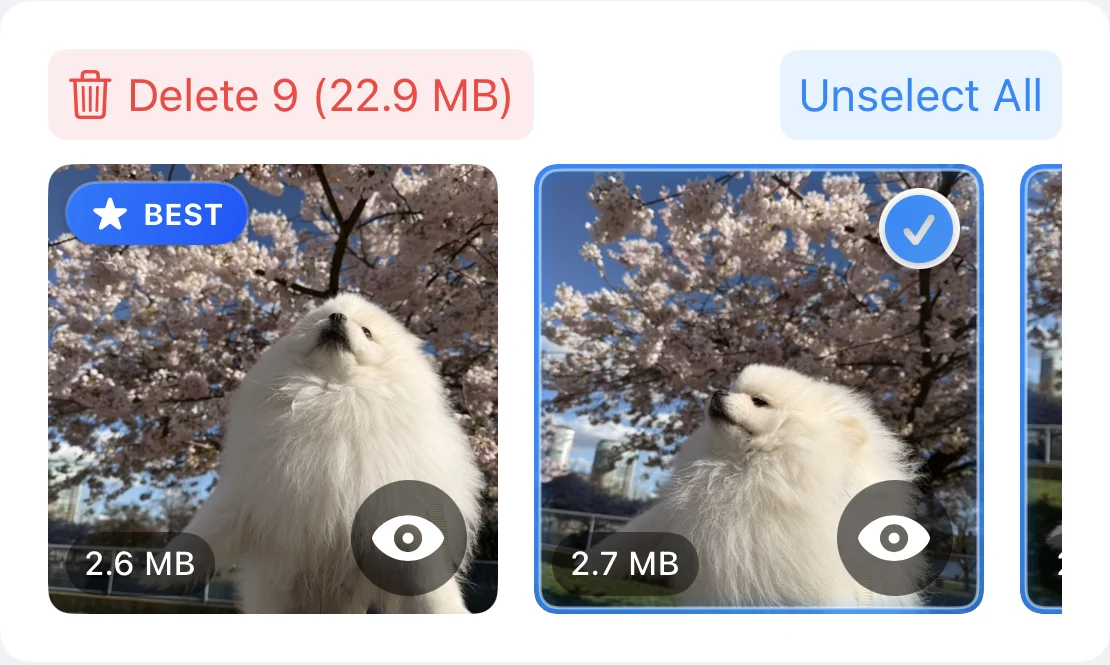
To choose the best photo from several shots of the same moment, compare them side by side and zoom in. Keep the sharpest shot with open eyes, clean framing and the expression you remember, then delete the rest. PhotoCleanse groups similar shots and suggests a BEST photo you can change.
Updated

Compare similar shots side by side
You choose what to delete.
 Marked BEST
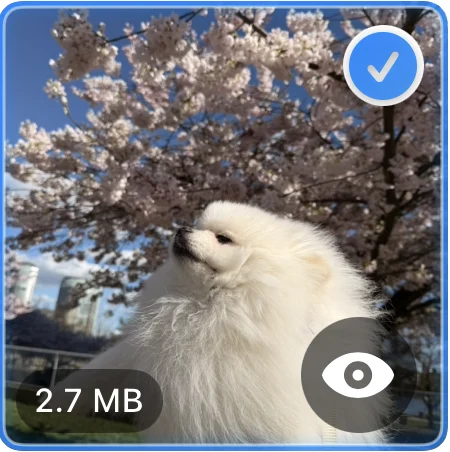 Selected
Travel and places
When the scene stays still and the shots differ in small ways, look at the technical details first.
Zoom in on the main subject. Low light and a moving hand often blur one shot in a series.
Look for a straight horizon and nothing important cut off at the edges.
Pick the shot where the sky isn’t washed out and the shadows still show detail.
Check for strangers walking through, someone blocking the view, or a friend half out of the picture.
Photo shoots, kids and pets
When your subject moves, the differences between shots are about the moment, not the settings.
Eyes open, a natural smile, the look you remember. In group shots, check every face.
A portrait can survive a soft background, but not soft eyes.
Compare head angle, hands and posture. Small changes can make one shot feel more relaxed.
Kids and pets rarely hold still. Check faces and paws for motion blur before you choose.
In PhotoCleanse
PhotoCleanse groups duplicates and similar shots, then marks one photo in each group as BEST. It decides on your iPhone using simple signals, in this order: a photo you marked as a favorite, the largest pixel dimensions, clearly better face quality, the larger file, and the earliest capture.
It can’t tell which expression or moment you prefer, so treat BEST as a starting point. Leave your pick unselected, select the shots you don’t need, and confirm the deletion in iOS.
Tip: if you already know your pick, mark it as a favorite in Photos. PhotoCleanse ranks favorites first and never selects them automatically.
Step-by-step: delete similar photosSwipe
A trip also leaves one-off photos you won’t miss, like blurry shots, screenshots and accidental photos. PhotoCleanse’s Swipe tab shows photos one at a time: swipe left to mark a photo for deletion and right to keep it. Nothing is deleted until you check the marked photos and confirm in iOS.
Free includes one Shuffle deck a day. Pro adds unlimited decks, plus Screenshots and a deck for each month, so you can go through the month of your trip.
For help with the app, contact support
Usually one. Keep more when they show something different, such as a wide view and a close-up, or a group shot where each version has someone looking their best.
Zoom in on the main subject. Sharpness and open eyes decide most picks. Then compare framing and light. If the shots are still equal, keep the one with the larger dimensions.
It suggests one. PhotoCleanse marks a BEST photo in each group on your iPhone, but it can’t tell which expression or moment you prefer. You can keep a different shot, and nothing is deleted until you confirm in iOS.
Mark it as a favorite in Photos. PhotoCleanse ranks favorites first when it suggests BEST and never selects them automatically. You can still select a favorite yourself.
Usually, unless the moment matters more than the quality. For one-off photos like blurry shots and screenshots, PhotoCleanse’s Swipe tab shows photos one at a time: swipe left to mark a photo for deletion, right to keep it, then confirm.

Compare shots of the same moment and clean up one group at a time for free.
For iPhone · Optional Pro subscription

Scan with your iPhone camera
Opens the App Store