You approve deletions
The app asks for confirmation after you select photos to remove, so you can cancel before deleting them.
Duplicate photo cleaner for iPhone
Took several shots of the same moment, each with a slightly different expression, pose or angle? PhotoCleanse groups duplicates and similar shots, marks one as BEST, and lets you choose which to keep.

Free group-by-group cleanup
You confirm before deleting.
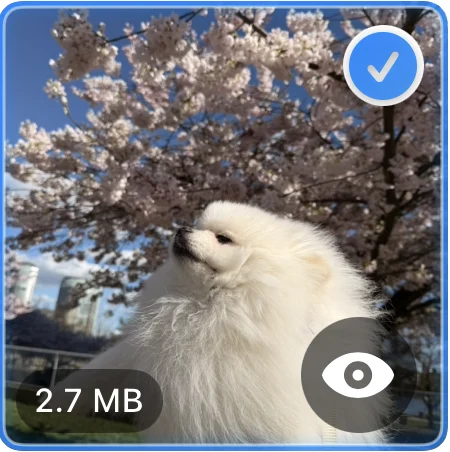 Selected
 Suggested to keep
 How it works
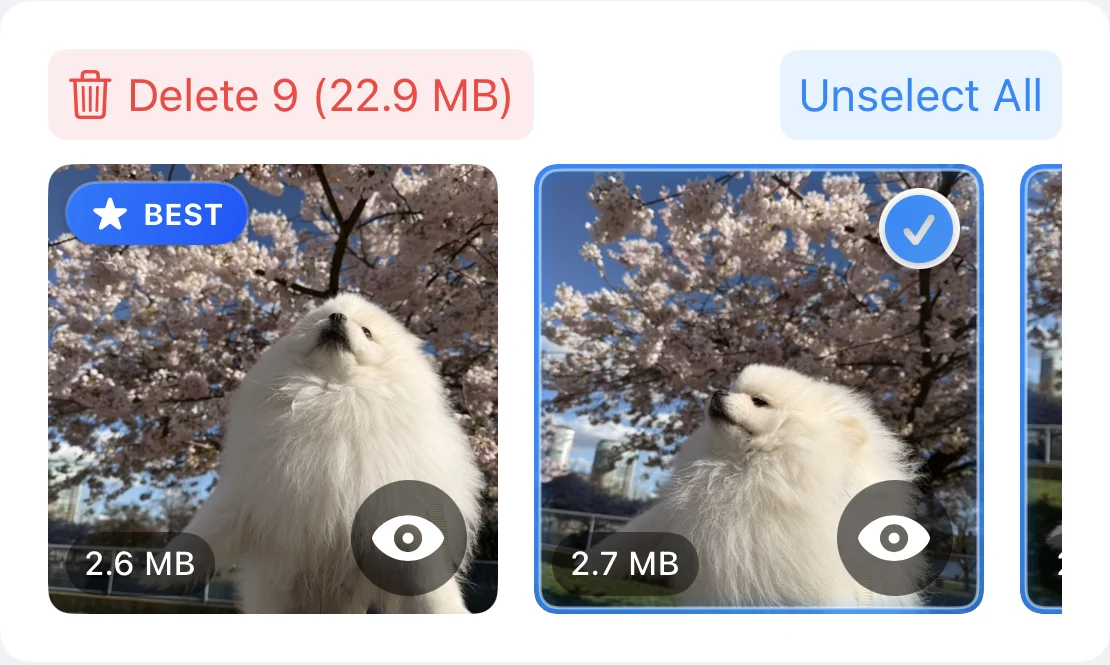
Find duplicates and similar shots among the photos stored on your iPhone. Groups appear while the scan continues.
Open a photo full screen to zoom in and check its dimensions and file size. BEST marks the photo the app suggests keeping.
Tap photos to select or unselect them, including the BEST photo. Unselected photos stay in your library.
Delete the selected photos in a group, then confirm in iOS. Pro can delete selected photos across groups at once.
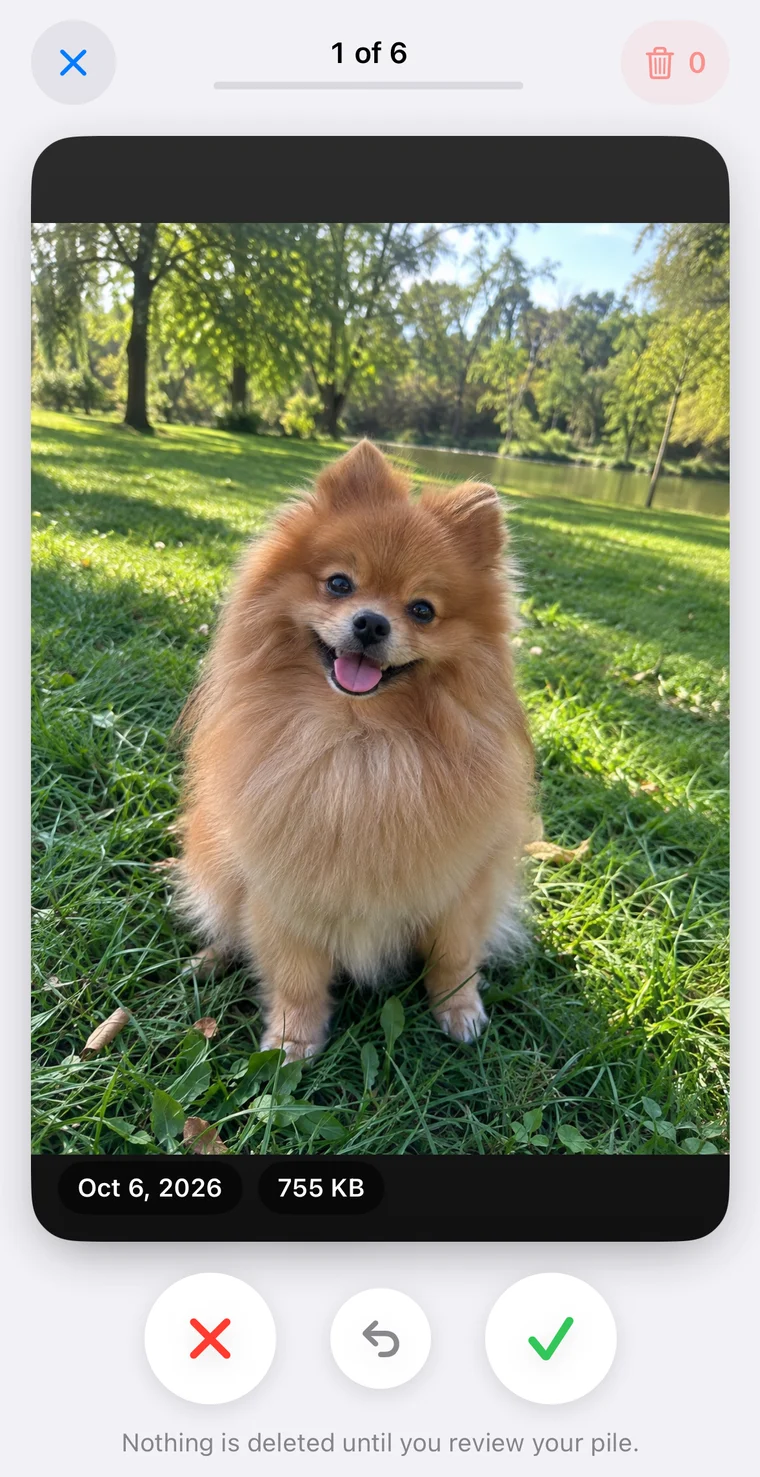
Swipe
Swipe left to mark a photo for deletion and right to keep it. It helps with blurry shots, screenshots and old photos that aren’t duplicates.
Free includes one Shuffle deck a day. Pro adds unlimited decks, plus Screenshots and monthly decks. Favorites never appear in Swipe.
PhotoCleanse Pro
Save smaller copies of photos by adjusting their quality and dimensions.
Lower quality or smaller dimensions can remove detail, and savings vary by photo. You can compress still photos, excluding Live Photos, RAW files and videos.
How photo compression works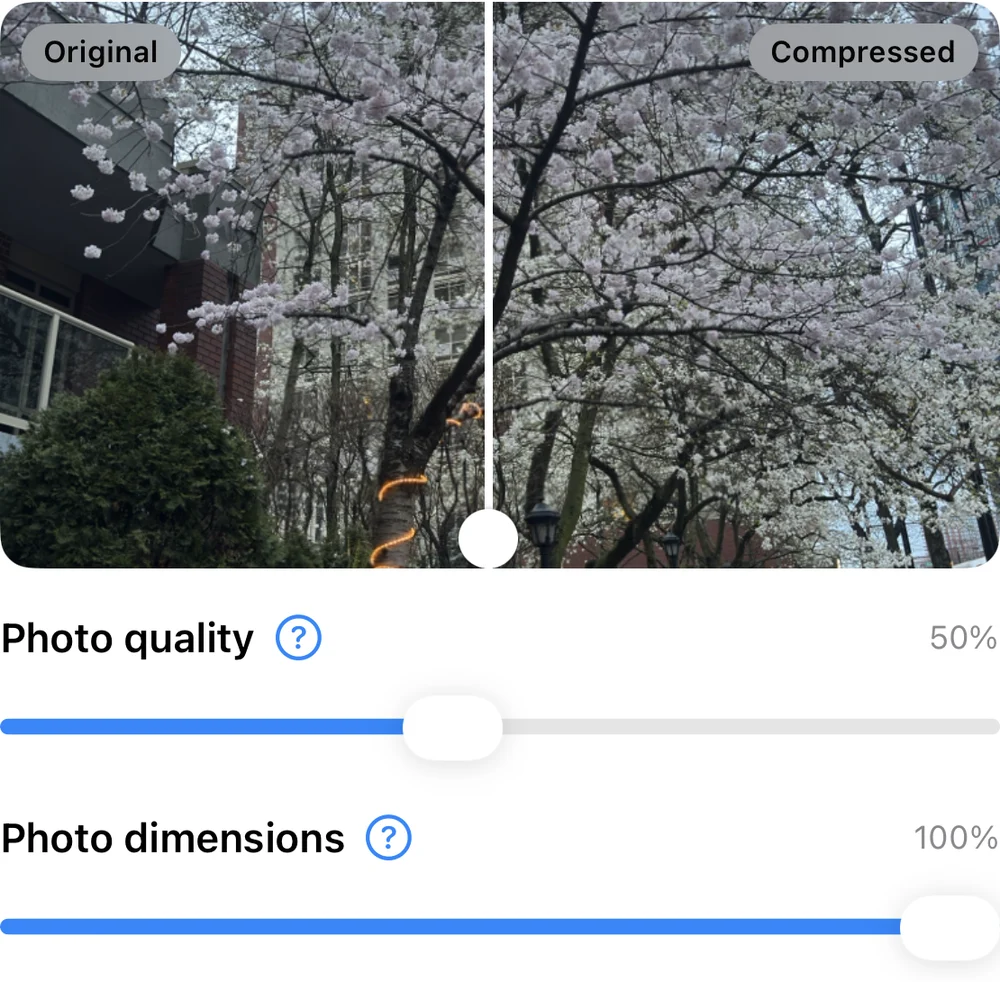
The app asks for confirmation after you select photos to remove, so you can cancel before deleting them.
PhotoCleanse leaves your favorites unselected when it suggests photos to delete. You can select a favorite yourself and delete it after confirming.
PhotoCleanse analyzes and compresses photos on your iPhone. It uses Firebase for analytics and crash reports, and RevenueCat for subscriptions.
Read the privacy policyApple Photos can keep deleted photos in Recently Deleted for 30 days, where they may use storage. You lose that recovery option if you delete them from the album. iCloud Photos syncs deletions to your other devices. See recovery details.
You can scan, delete one group at a time and swipe through one deck a day for free. Choose Pro to clean up across groups, compress photos or swipe without a daily limit.
Pro is available as a weekly or yearly subscription. Check the app or App Store for prices in your region.
| What you can do | Free | Pro |
|---|---|---|
| Scan with Balanced matching | Included | Included |
| Review and delete one group at a time | Included | Included |
| Delete selected photos across groups | Not included | Included |
| More Matches and Exact Matches | Not included | Included |
| Compress eligible photos | Preview only | Included |
| Swipe through Shuffle decks | One a day | Unlimited |
| Screenshots and monthly decks in Swipe | Not included | Included |
Guides
For help with the app, contact support
You choose the photos to remove and confirm the deletion. Scanning doesn’t remove anything. You can change the app’s suggested selection, including photos marked BEST.
Swipe shows photos you haven’t reviewed, one at a time. Swipe left to mark a photo for deletion or right to keep it. Nothing is deleted until you check the marked photos and confirm the deletion. Favorites never appear in Swipe.
Open Recently Deleted in Apple Photos and look for the photo. Apple keeps deleted photos there for up to 30 days unless you remove them sooner. Apple warns that if you exceed your iCloud storage limit, it may remove deleted photos without a recovery period. Keep another backup of photos you can’t replace.
Photos in Recently Deleted can use device storage. You reclaim that space after Apple removes them at the end of the recovery period, or after you delete them from the album. You can’t recover photos from that album after permanent deletion. The app’s estimate may differ from the space your iPhone reports.
You can scan photos stored on your iPhone, including downloaded iCloud copies. Duplicate scanning and compression skip cloud-only originals. Swipe also shows photos stored only in iCloud and downloads them through Apple Photos while you review. Deleting a photo with iCloud Photos enabled deletes it from iCloud and your other synced devices.
PhotoCleanse analyzes and compresses photos on your iPhone without uploading them. It uses Firebase for usage analytics and crash reports, and RevenueCat for subscription data. Your iCloud Photos settings control Apple’s separate photo syncing.
You can scan with Balanced matching, review duplicate groups and delete photos one group at a time for free. You can also swipe through one Shuffle deck a day and preview photos for compression. A Pro subscription adds deletion across groups, More Matches and Exact Matches settings, photo compression, and unlimited Swipe decks, including Screenshots and monthly decks. Check the app or App Store for weekly and yearly pricing.
Read Apple’s guidance on deleting photos and iCloud storage, or see our Privacy Policy.

Start by reviewing a duplicate group for free.
For iPhone · Optional Pro subscription

Scan with your iPhone camera
Opens the App Store